How To Install And Usage AetherSX2 Emulator
ArtherSX2, more commonly known as AetherSX2, is a prominent PlayStation 2 emulator designed specifically for Android devices. It allows users to play a vast library of PS2 games on their smartphones or tablets. The emulator is recognized for its compatibility and performance, enabling many classic titles to be enjoyed portably. While requiring a compatible Android device and game ISOs (ideally from legally owned discs), AetherSX2 has been a popular way to revisit the extensive PlayStation 2 catalog on mobile.
How To Install AetherSX2 Emulator
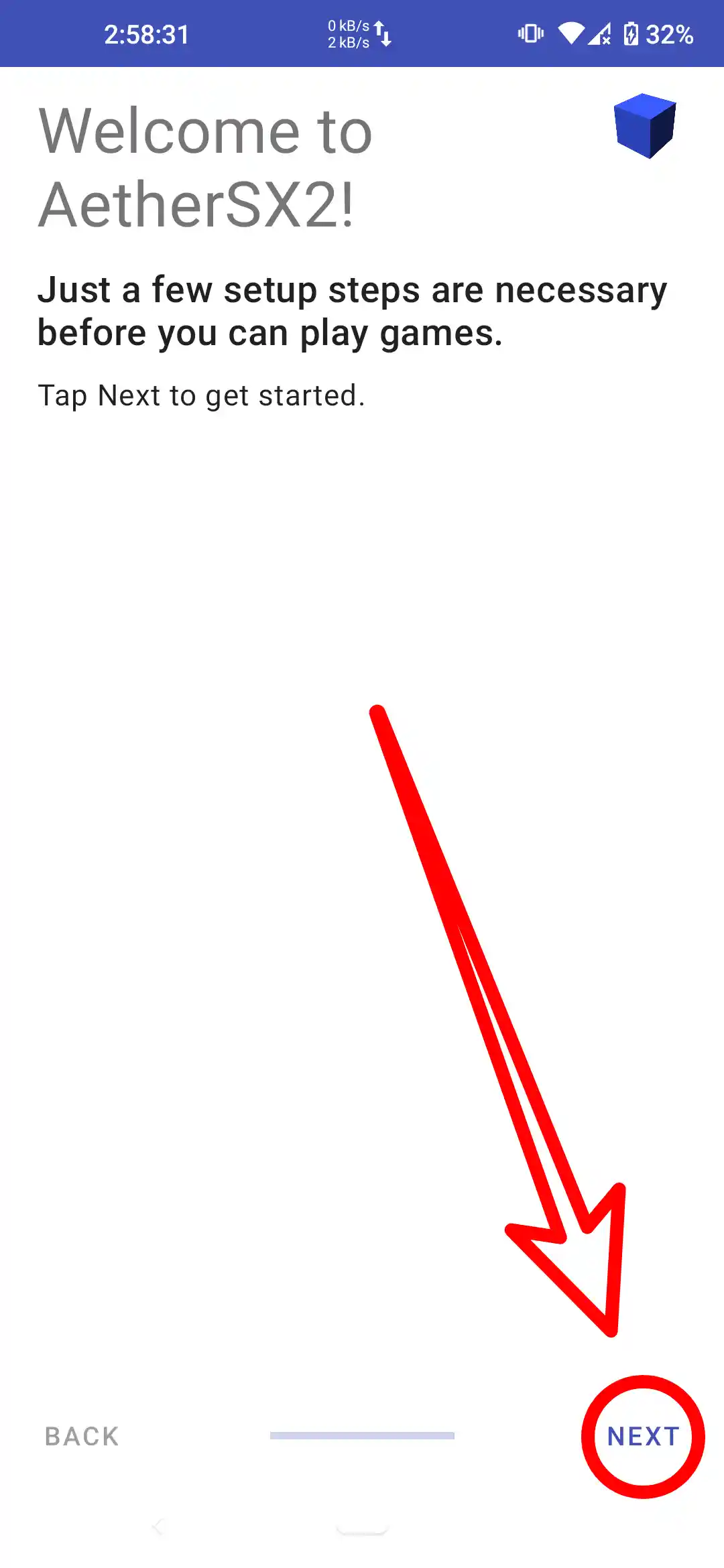
First of all, of course you have to download the aethersx2 application, bios and games. After downloading, you can immediately install and open the application. After opening it then select next.
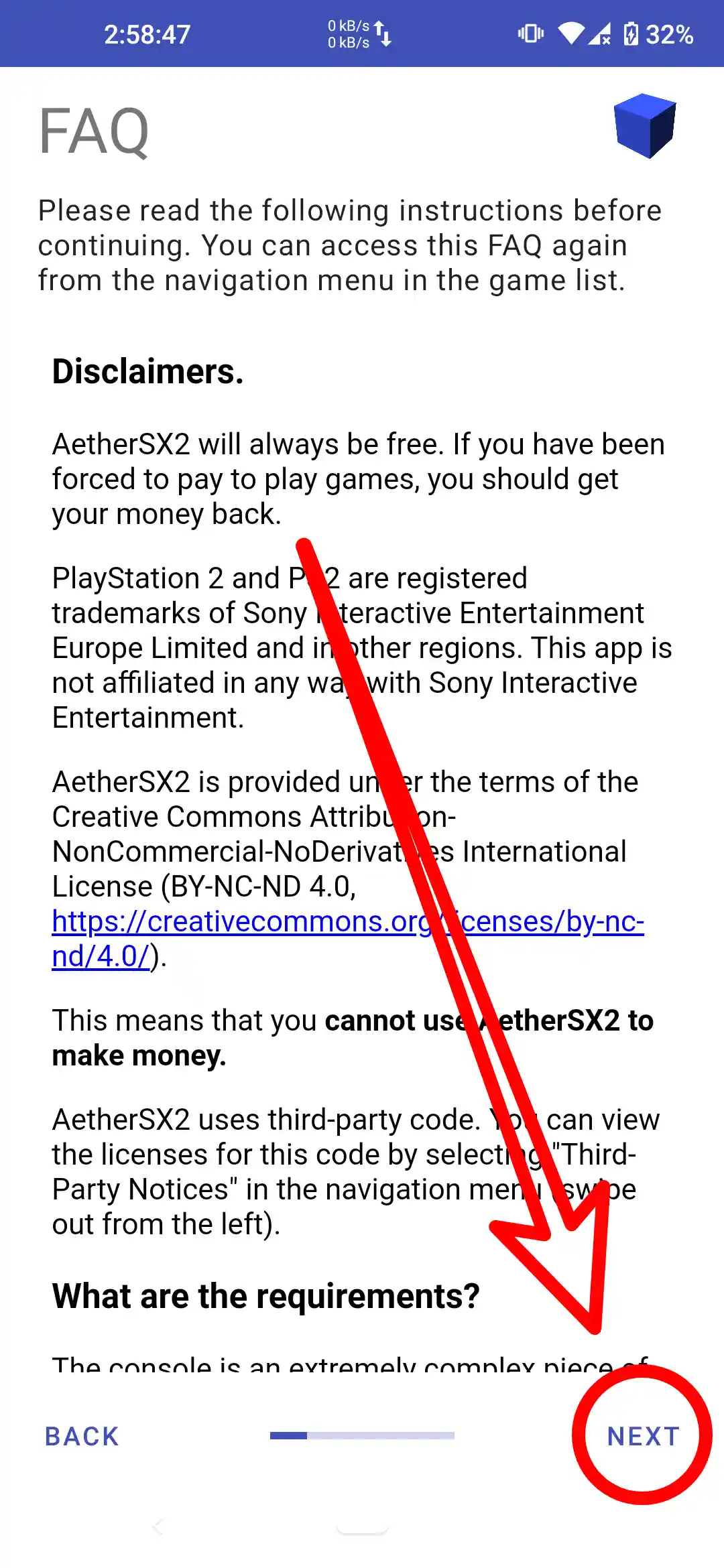
Here there is an FAQ that you can read first, then select next.
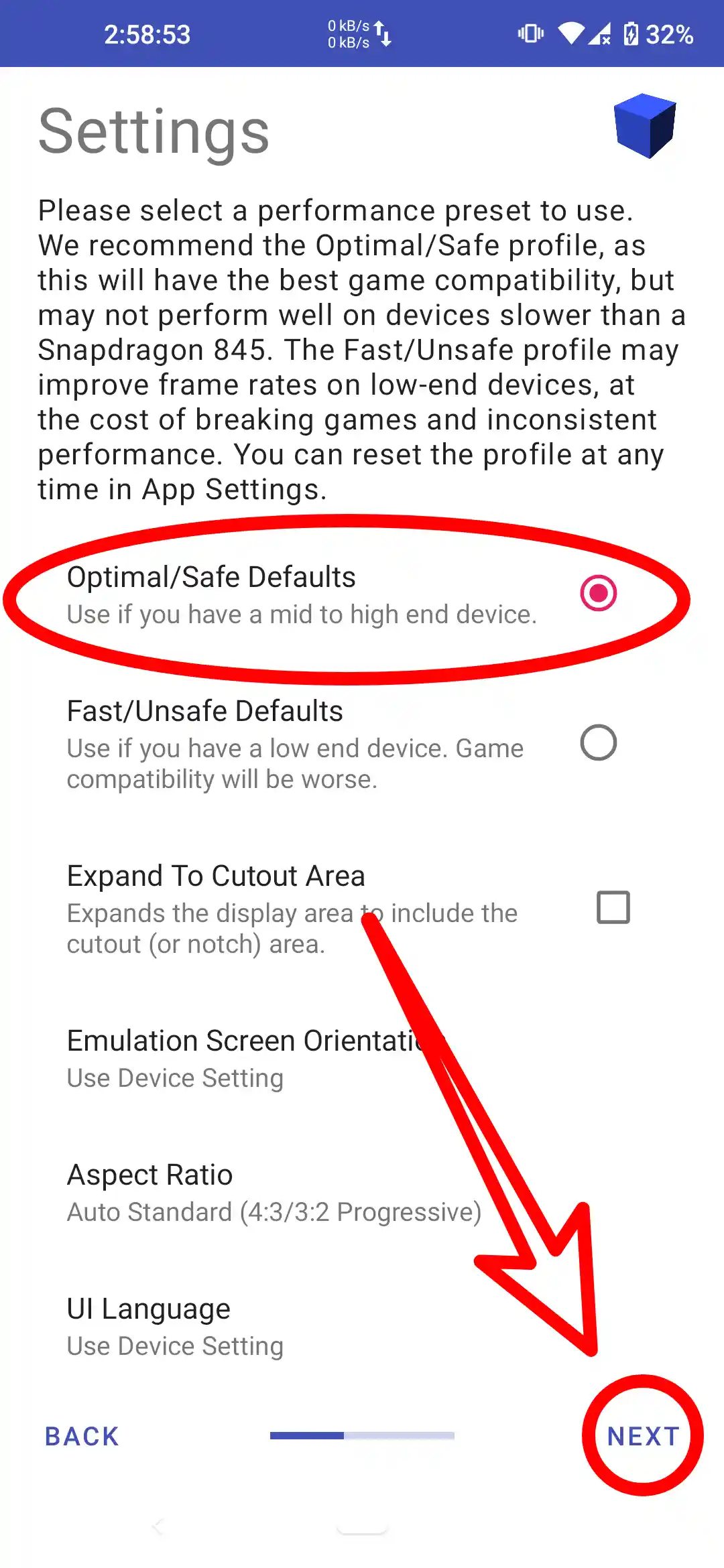
In the third step here there are several options, select Optimal/Safe if your device has high end specifications and select Fast/unsafe if your device has specs Low End.
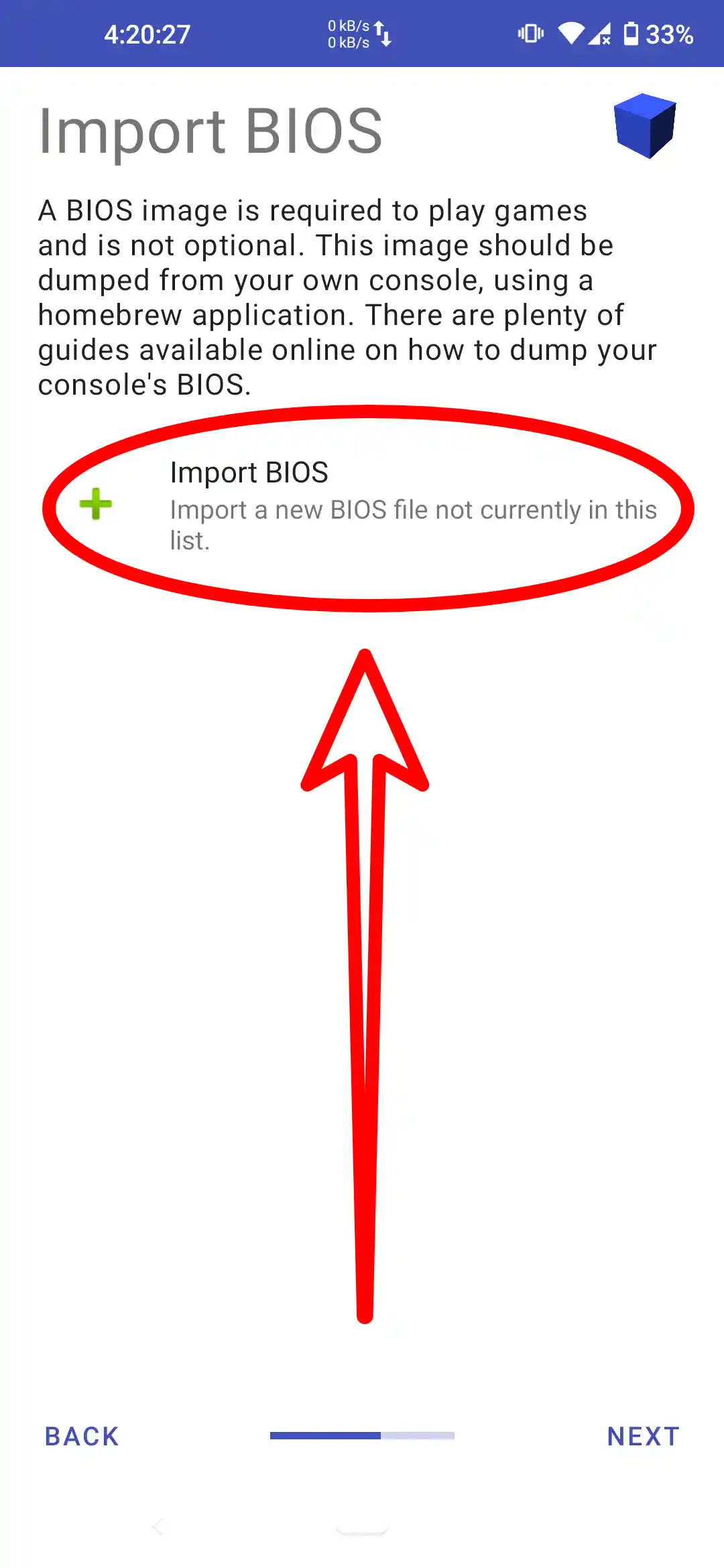
In the fourth step, you select import bios.
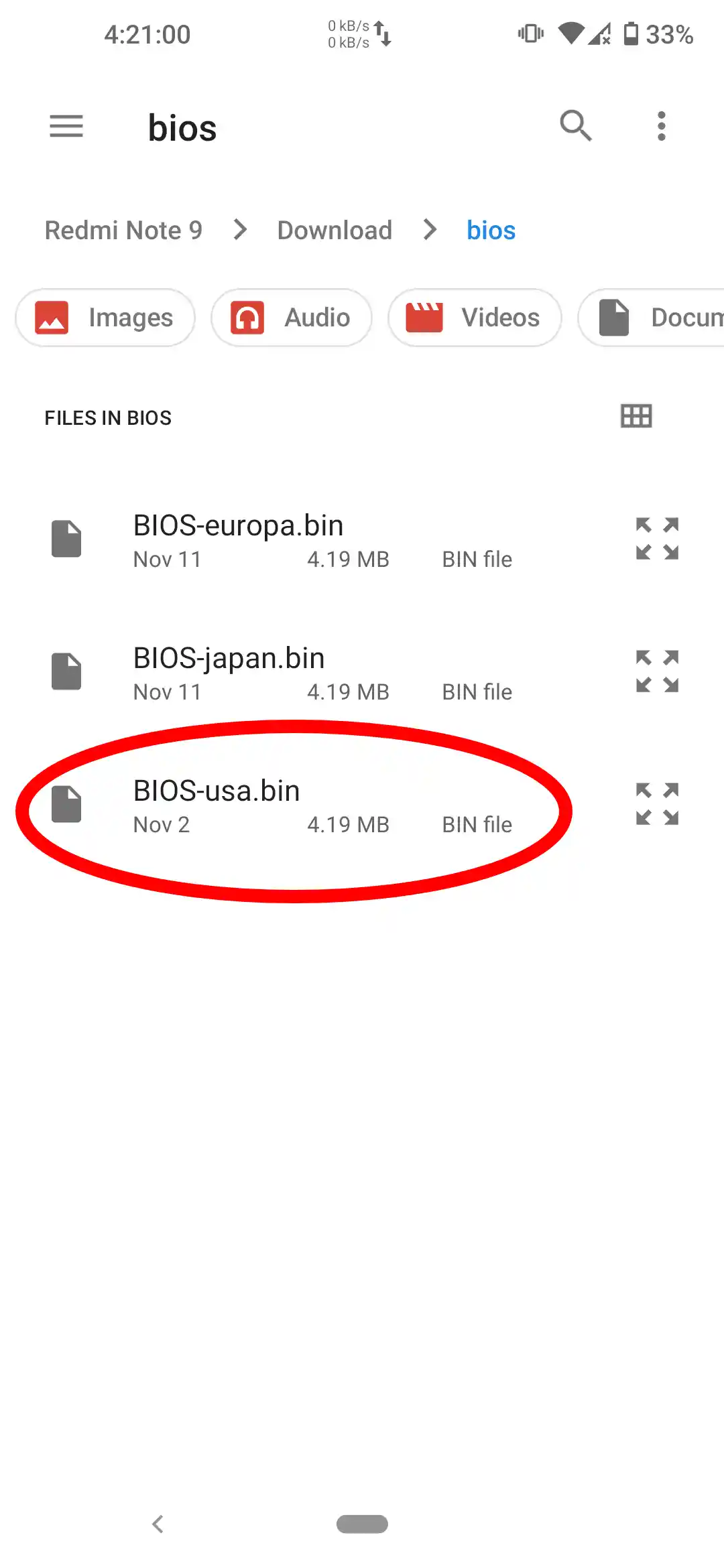
Select one of the bios that you downloaded earlier.
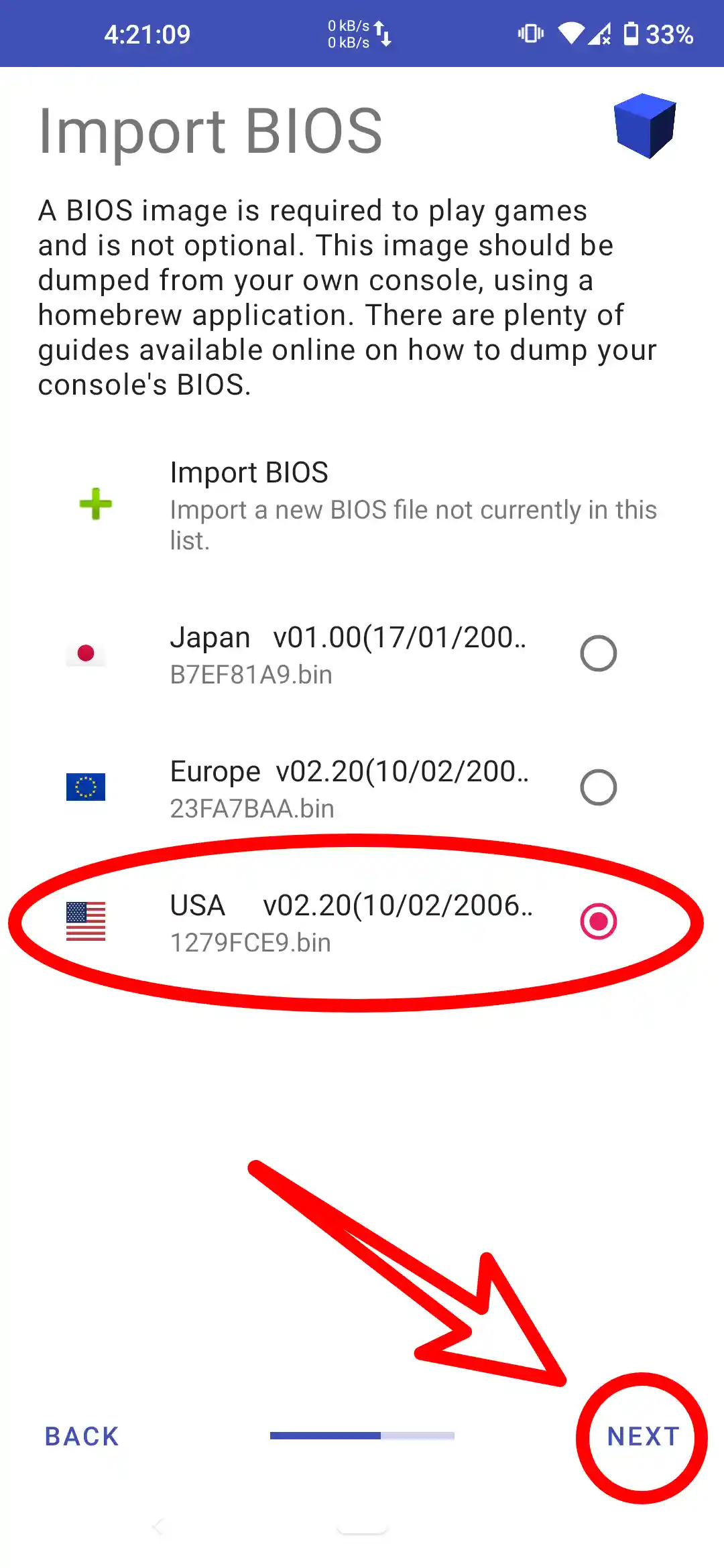
Check that the bios is active, and click next.
The fourth step is to add the game that was downloaded earlier.
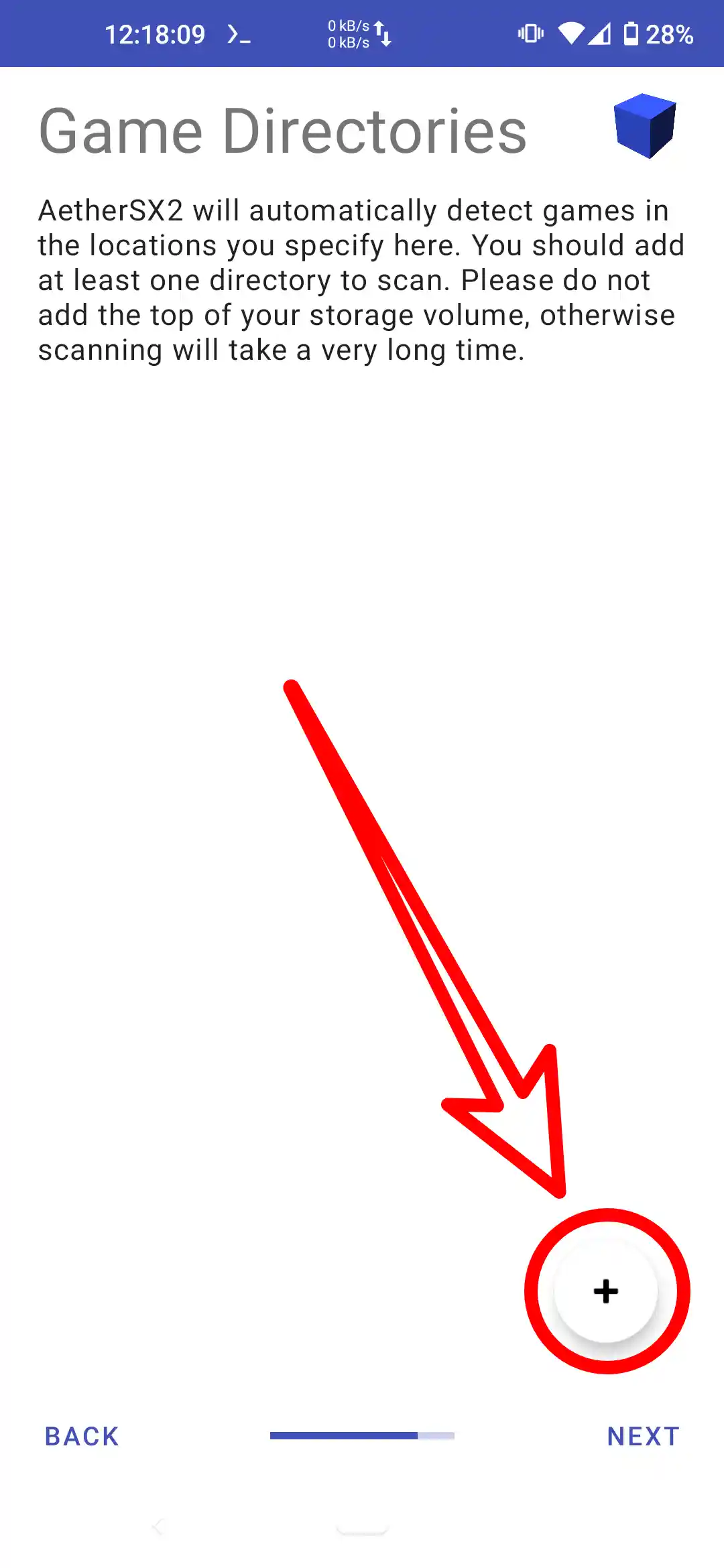
Select Game Directory.
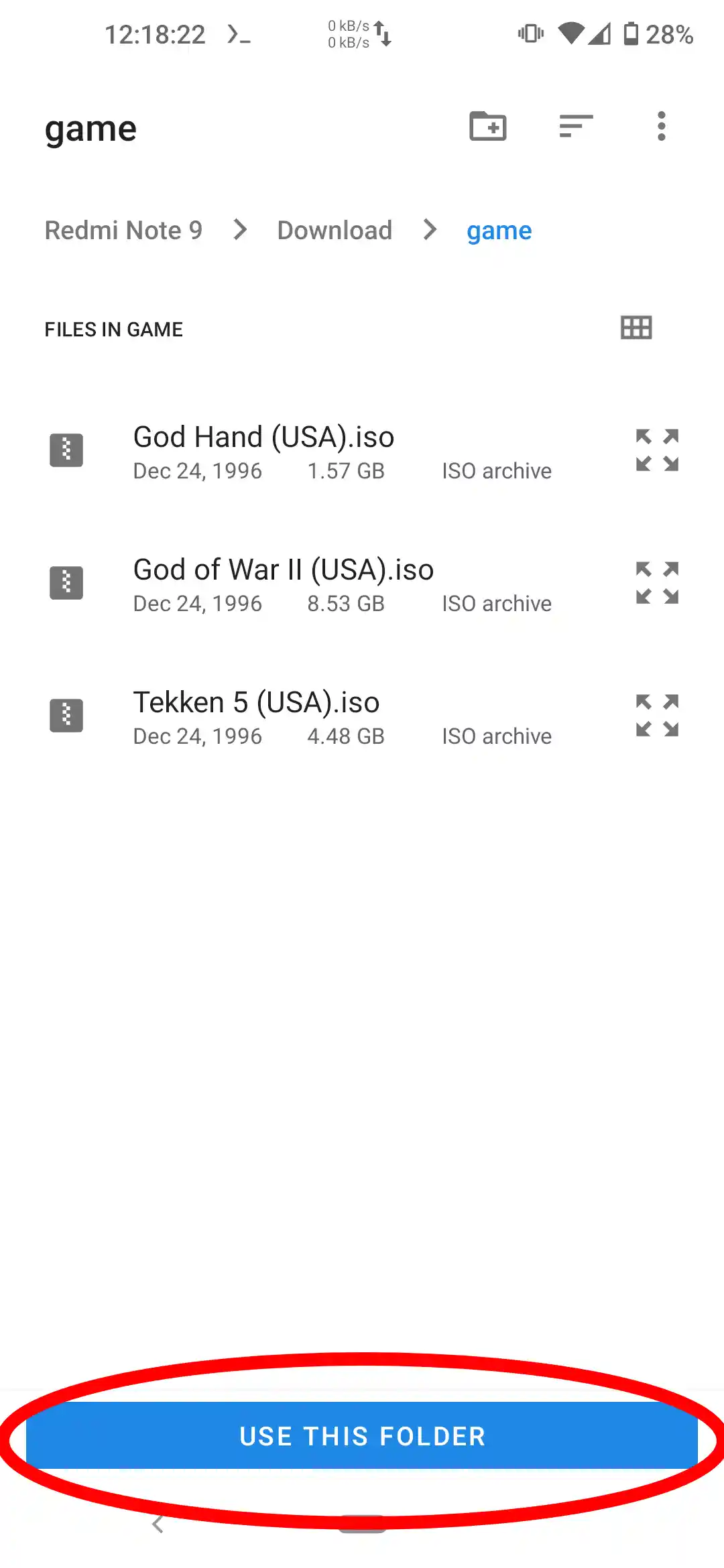
Select Next.
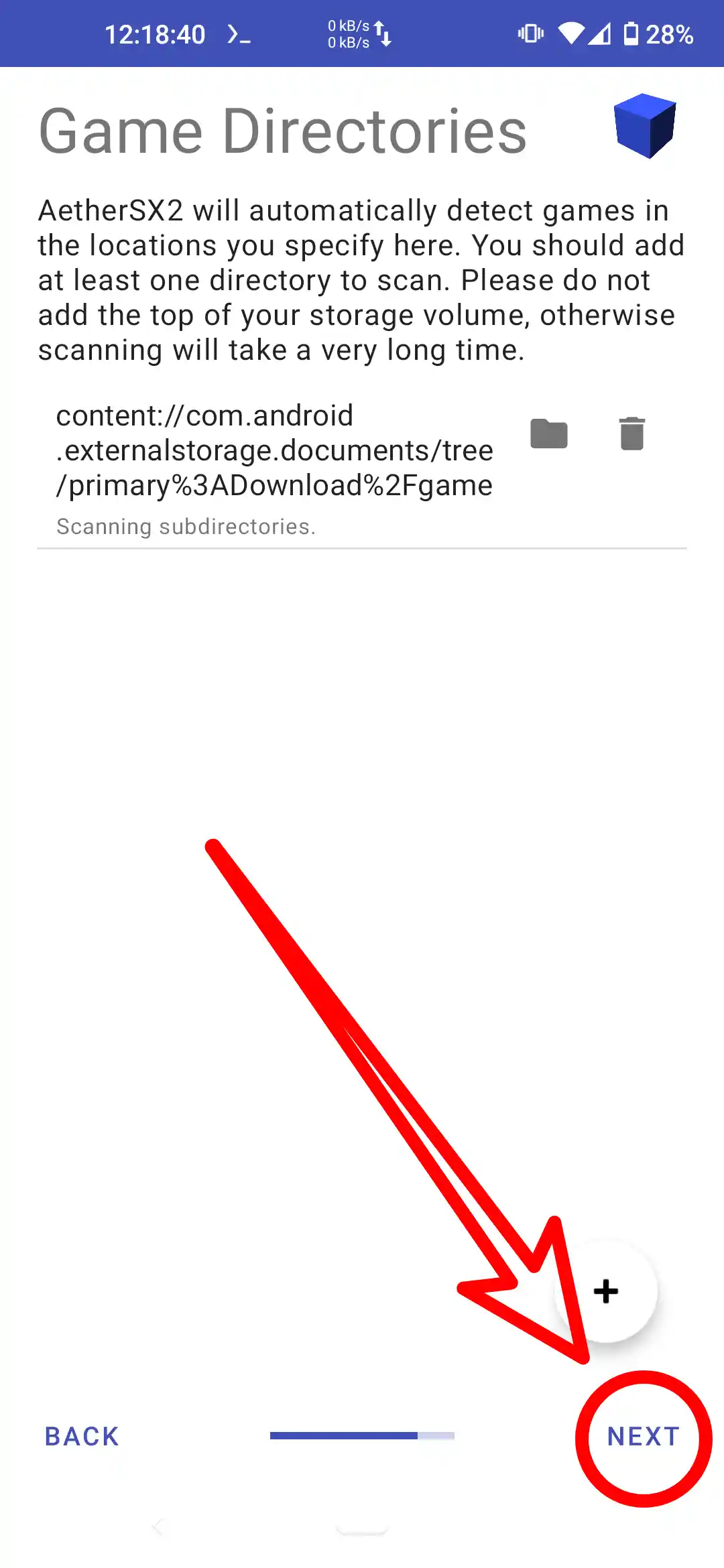
Select Game.
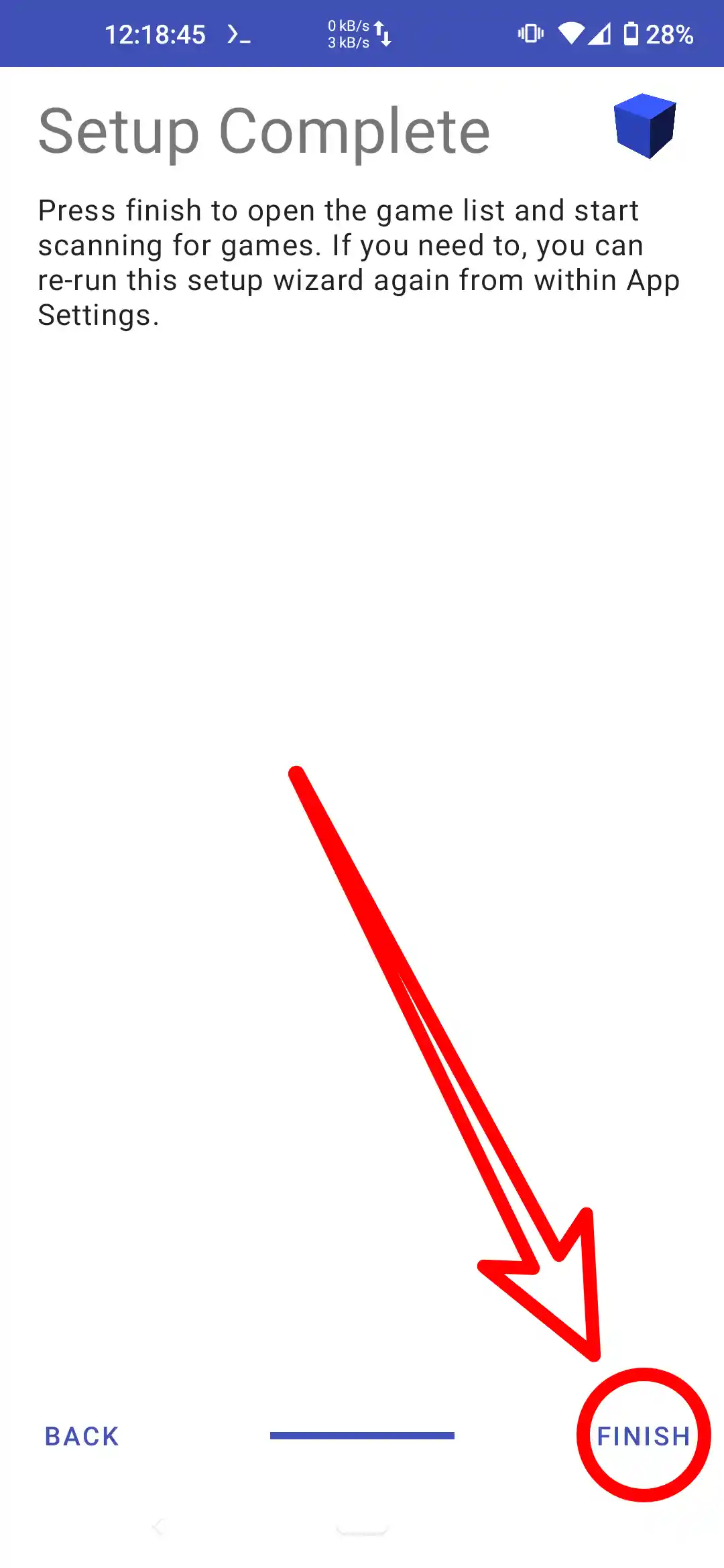
Setup Complete, Click Finish.

Notes
Follow the installer steps correctly so that you do not experience problems when using the AetherSX2 Emulator when you play PS2 games